In MDB Builder you pay for what you use, with credits: new chapters, exports, AI features and extra storage. Signing up and creating a company are free. A Pro subscription adds monthly credits and the tools to manage a larger team.
What uses credits#
The cost of an action is always shown before you confirm it, for example on the Save changes button of the structure editor.
| Action | When it is charged |
|---|---|
| New chapters in an MDB | When you save the structure. The price depends on the chapter kind: an Approved document chapter costs less than a Production records chapter. Chapters that only group subchapters, embedded MDBs and the index are free. |
| Applying a template | The same as adding its chapters. |
| Exporting an MDB | Per download, as a single PDF or a chapter ZIP. |
| Generating a structure with AI from an ITP | Per analysis, only when it succeeds. |
| Generating a product sketch with AI | Per attempt, only when it succeeds. Adjusting a generated sketch costs less than a new one. |
| Storage | Only on Pro, for the storage above what your tier includes. Charged monthly. |
Products with multiple units. A chapter in such a product is delivered for every unit, so it is charged per unit. The first unit pays the full price, every following unit pays much less, because the common documents are already there. Exports of follow-up units are cheaper in the same way.
Removing a chapter. A chapter you remove is refunded, but only when it was never used: no file was ever uploaded to it.
Now and then MDB Builder runs a credit promotion. The Credits window then shows the discount and until when it runs.
Where your credits come from#
Which balance pays depends on the workspace you work in.
| Balance | Who uses it | Where the credits come from |
|---|---|---|
| Domain credits | Everyone on your email domain who works in a private workspace | Free credits when people on your domain sign up. |
| Company credits | Everyone in one company (each department has its own balance) | Starting credits when the company is created, your purchases, and on Pro the monthly credits. |
When you create your first company, the remaining domain credits move along into the new company. Later companies on the same email domain start with a small, symbolic amount. They can ask for more with Request extra free credits in the Credits window; MDB Builder reviews the request.
Your first MDB is on us#
While your email domain still lives on its free starting credits, MDB Builder lets one chapter purchase through that doesn't fit your balance. That way a first MDB with many chapters or many units never gets stuck. The balance keeps enough credits for your first exports.
This first-MDB allowance only covers chapters. Exports, AI features and storage always need credits. It is used up once your domain has used it, bought credits or taken a Pro subscription.
Your balance and history#
Your balance is always in the header, on the right. It reads domain credits or company credits, depending on your workspace. It turns amber when the balance runs low and red when it is critically low. On Pro, a second line shows when the next monthly credits arrive.
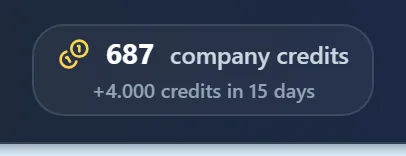
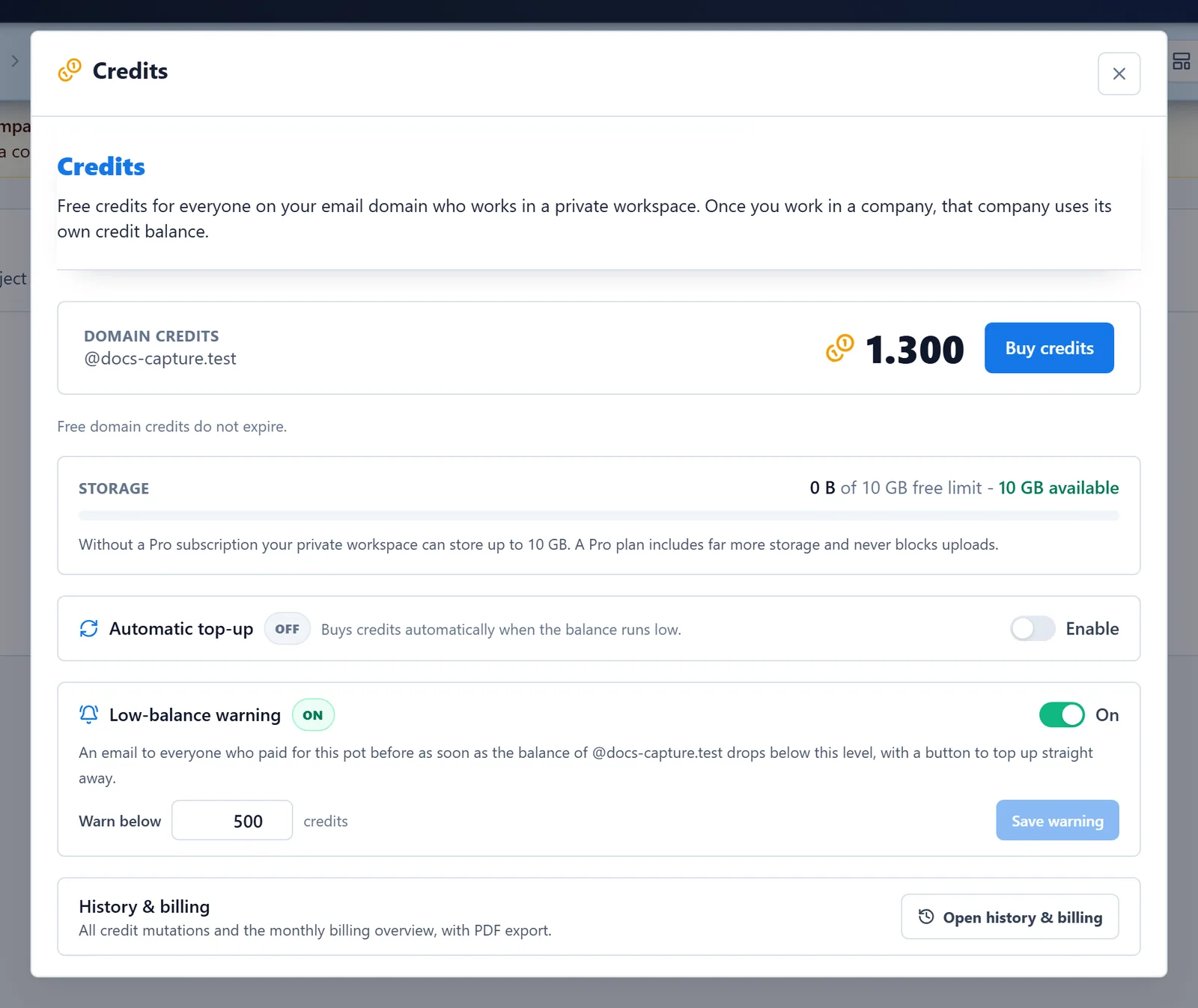
Click the balance to open the Credits window:
- Buy credits to top up. Purchased credits never expire.
- Automatic top-up buys a fixed bundle whenever the balance drops below a floor you choose.
- Low-balance warning sends an email when the balance drops below a level you choose.
- Storage shows how much space your workspace uses.
- Open history & billing shows every credit mutation.
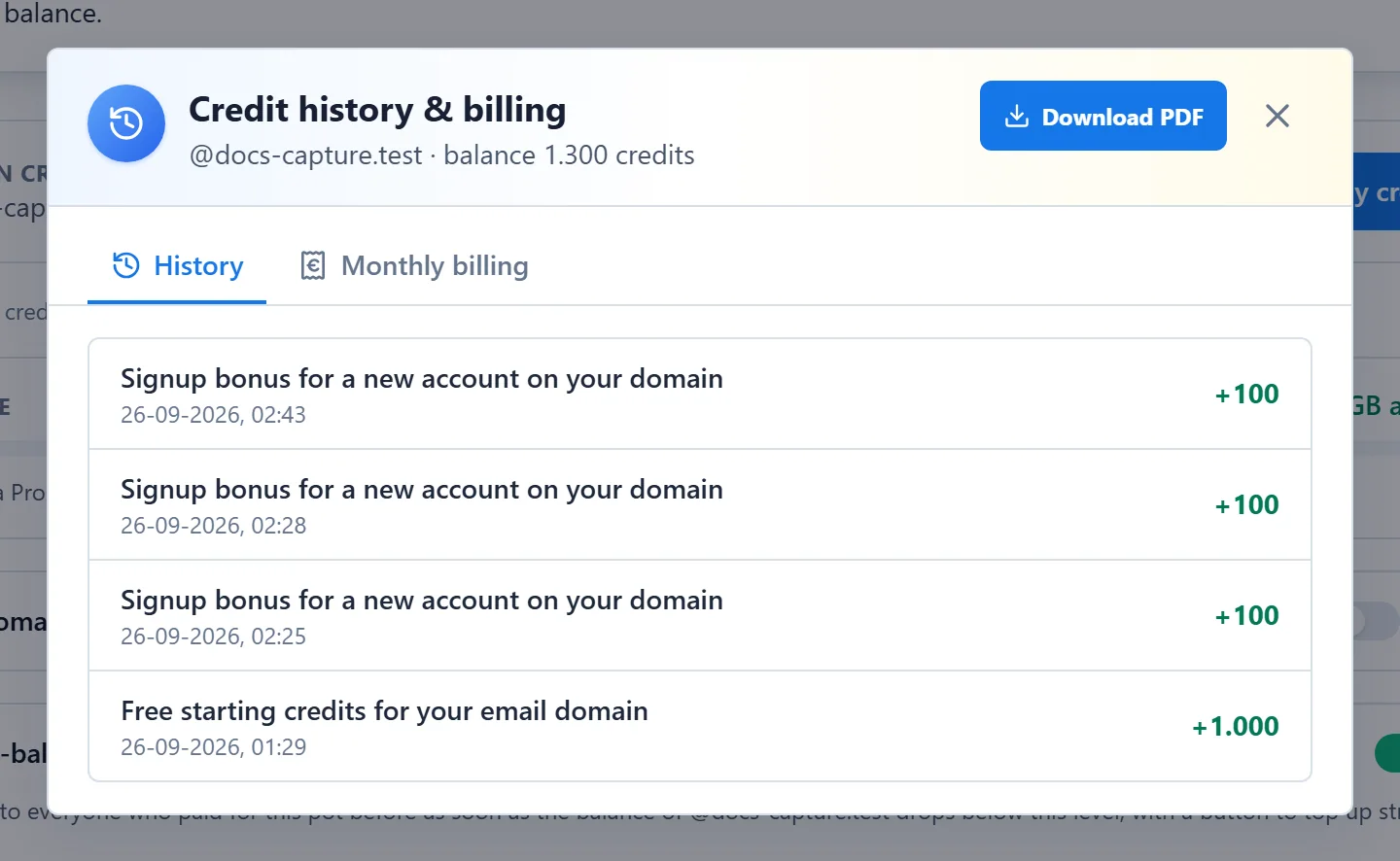
The Credit history & billing window has two tabs. History lists every deposit and spend. Monthly billing groups the paid charges per month. Click Download PDF for a statement.
Do credits expire?#
| Credits | Expire? |
|---|---|
| Domain credits | No |
| Company credits without Pro | No |
| Company credits with Pro | Yes, a set number of months after they were deposited. The Credits window shows how long. |
| Purchased credits | Never |
With yearly billing, the credits for the whole year are deposited at once and stay valid for the whole paid year.
Free and Pro#
Every company starts without a subscription. Any member of a company can upgrade it with Upgrade to a Pro tier, from the blue banner under the header or from the company settings. You choose the admins as part of the upgrade.
| Without Pro | With Pro | |
|---|---|---|
| Members | Up to a fixed limit | Depends on the tier; more members can join as inactive |
| Admins | None: everyone has equal rights | Depends on the tier |
| Credits | Starting credits and purchases | Monthly credits, or a yearly amount at once |
| Storage | Up to a fixed limit | Included storage per tier; more is charged in credits |
| Roles & permissions, project roles | No | Yes |
| Audit trail (Activity) | No | Yes, for admins |
| Sign-in security: require SSO | No | Yes |
| Chapter ZIP export | No | Yes |
| Company logo and badge on your sheets | No | Yes |
The Pro tiers differ in the number of members and admins, the monthly credits and the included storage. You pay monthly or yearly.