When the chapters are filled and released, you hand the Manufacturing Data Book over as a PDF. This guide shows how to download the export, what it contains and how credits are charged.
1. Open the export#
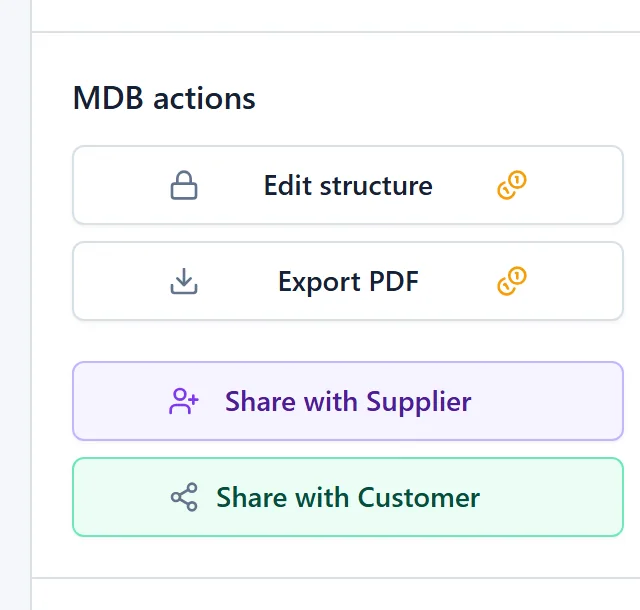
Open the MDB and click Export PDF in the actions block on the right. The coin icon on the button means that an export costs credits.
For a product with multiple units, every unit is its own book with its own export. The export is for the working unit in the top bar. Switch the unit there to export another one. See Products with multiple units.
2. Choose the format#
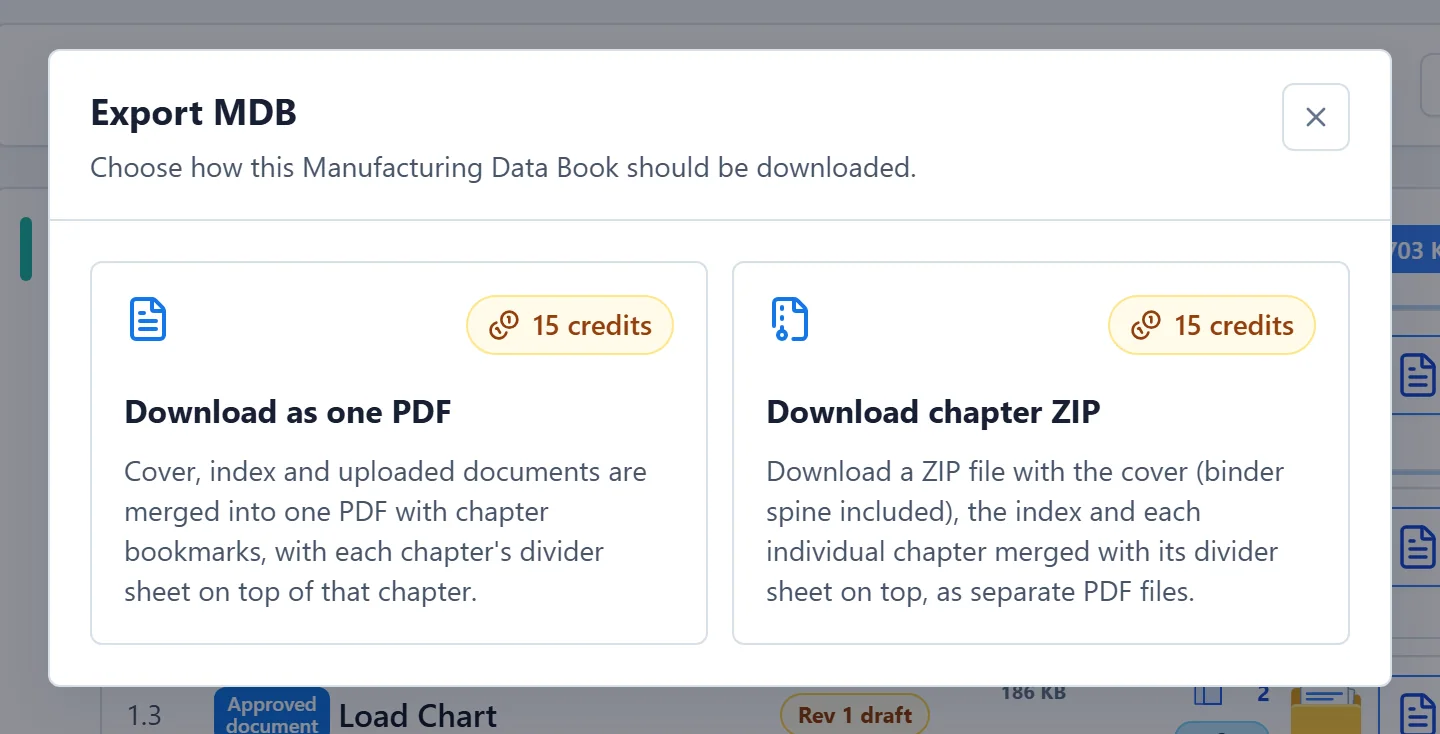
The Export MDB window offers two formats. Each card shows its cost in credits.
| Format | What you get |
|---|---|
| Download as one PDF | Cover, index and all chapters merged into one PDF with chapter bookmarks. Each chapter starts with its divider sheet. |
| Download chapter ZIP | A ZIP with separate PDF files: the cover (with the binder spine when it is switched on), the index, and one PDF per chapter with its divider sheet on top. |
Click a card. A Confirm credits window shows the cost once more. Click Confirm & download to start, or Cancel.
3. Wait for the download#
Generating a data book is heavy work. The card shows Generating PDF... or Generating ZIP... while MDB Builder builds the file, which can take a while for a large MDB. When it is ready, your browser downloads the file and the window closes.
The file is named after the project number and product name, for example MC-2026-041-Marine_Knuckle-Boom_Deck_Crane-MDB.pdf. For a unit, the unit number is added.
Credits are only charged once the file was generated successfully. If your credit pot cannot cover the export, you get a message before anything is generated. After a few downloads in a row, the window shows a countdown until you can download again.
What the export contains#
The one-PDF export is built in this order:
- Cover, followed by the binder spine when the spine is switched on in the MDB's style.
- Index (table of contents). Every chapter row is clickable and jumps to that chapter.
- The chapters, each starting with its divider sheet, followed by the chapter's documents.
The PDF also has:
- Bookmarks for every chapter, with subchapters nested under their main chapter.
- Signatures placed on documents, printed on the pages.
- Page numbers and a header or footer, when they are switched on in the MDB's style.
What the cover, index, divider sheets and spine look like follows the MDB's style; see Style the cover and index. Every divider sheet shows the chapter's revision and whether the chapter was complete; see Chapter revisions.
Embedded products are separate books. In the index of the parent MDB they are listed with an EMBEDDED MDB tag (or SHARED MDB for a linked partner MDB) and without a page number. Export an embedded product from its own MDB. See Embedded products.
Your export and your customer's export#
Your own export always contains the live content of the MDB, including changes you have not released yet.
When your customer exports an MDB you shared with them, they get the released revisions only, never your drafts. In collaboration mode, chapters you have not released yet are left out of their export and its index. Your customer's company pays for its own exports, and needs its own Pro plan for the ZIP.
Cost#
The cost of an export is shown on both cards and in the confirmation. It can be lower than usual:
- Units after the first of a product pay less, because they reuse the common documents of the first unit. The window explains the discount.
- A running credit promotion is shown in the window and taken off the price.
In a Pro company, admins decide under Export MDBs in the admin settings whether QC managers and MDB managers may export. See Credits and plans for how credits work.